Build a local search foundation
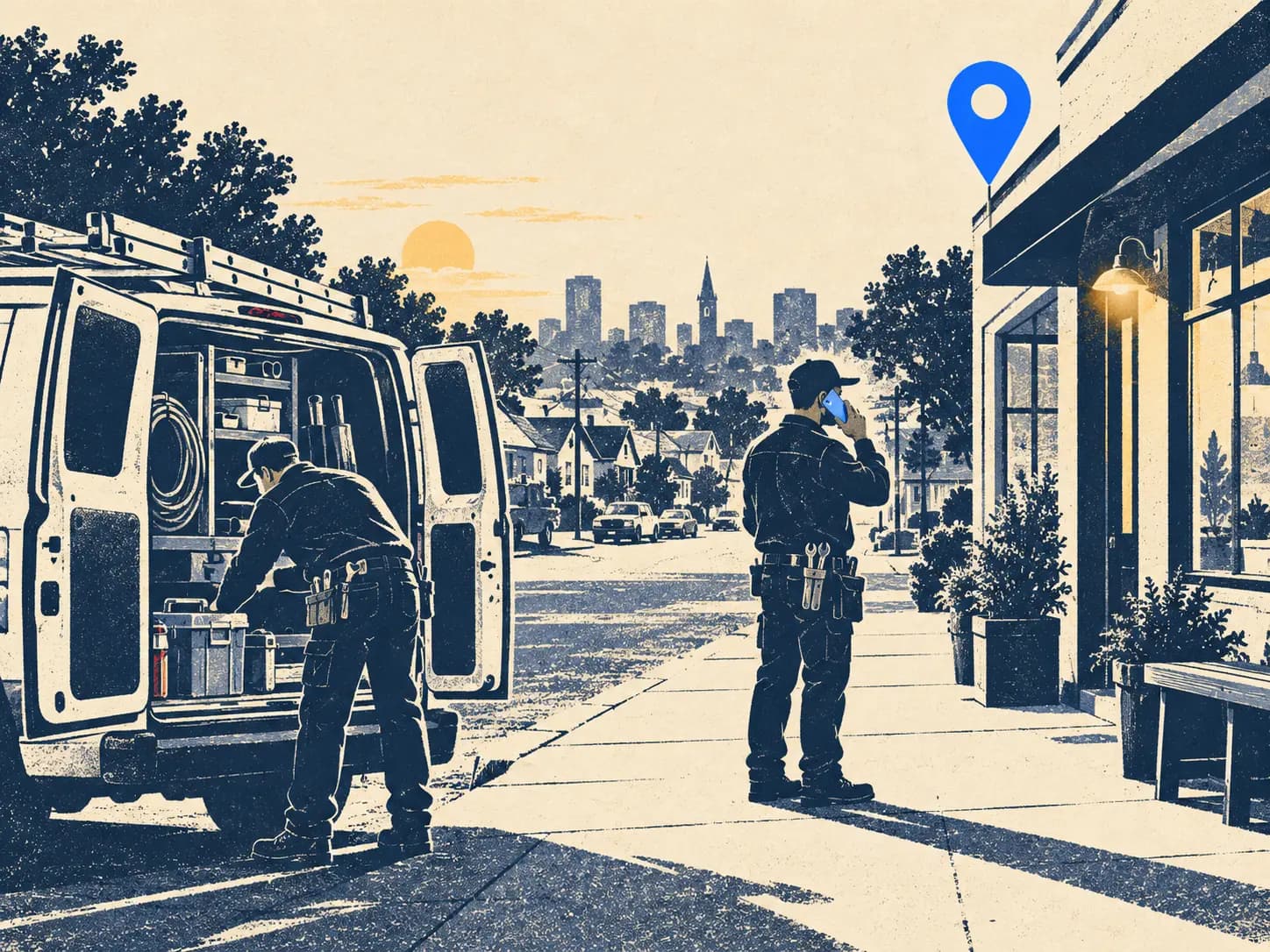
Plan service and location pages around what customers need to know. Connect the website to Google Business Profile work, relevant citations and structured data where they fit the agreed scope.
 FlashCrafter
For local service business owners
Bring local visibility, enquiry capture, booking and CRM follow-up into a workflow your team can see and manage.
What you get
Plan service and location pages around what customers need to know. Connect the website to Google Business Profile work, relevant citations and structured data where they fit the agreed scope.
Connect calls, forms and booking to a CRM workflow where included. Before launch, agree on the phone numbers, channels, fallback and person responsible for each follow-up.
Use booking deposits, invoices and reminders where the plan and payment processor support them. Set deposit amounts, refund terms and reminder timing before sending anything.
Choose when to request feedback after a completed job, which channels to monitor and who approves public responses. Keep the request rules appropriate for each platform.
Track each enquiry from first contact through booking and payment. Assign follow-up responsibility and review which questions automation answered and which need a person.
How it works
Put the local business foundation in place: a professional website, local visibility, booking and lead capture.
Define which answering, booking, payment, review and follow-up tools are in scope, then connect their handoffs.
Use the CRM pipeline to review what happened to each enquiry and where a person needs to step in.
Common questions
Make growth easier to run
Bring visibility, lead capture, booking, payments, reviews and follow-up into one connected operating rhythm.
Explore the solutions