
Article
Google Ads adds image-to-video creation with Gemini Omni
October 2026: Google Ads offers 3 video narratives with Gemini Omni. See what changes and how to test one ad against existing creative.
Owners of independent local service businesses in the United States
- Supporting sections
- 6
- Questions answered
- 6
- Research captured
- 2026-10-11
Google Ads is adding image-to-video creation powered by Gemini Omni inside Asset Studio. The capabilities are rolling out globally as a free Google Ads feature, giving businesses another way to turn existing images into video ads for Google and YouTube campaigns, including Demand Gen.
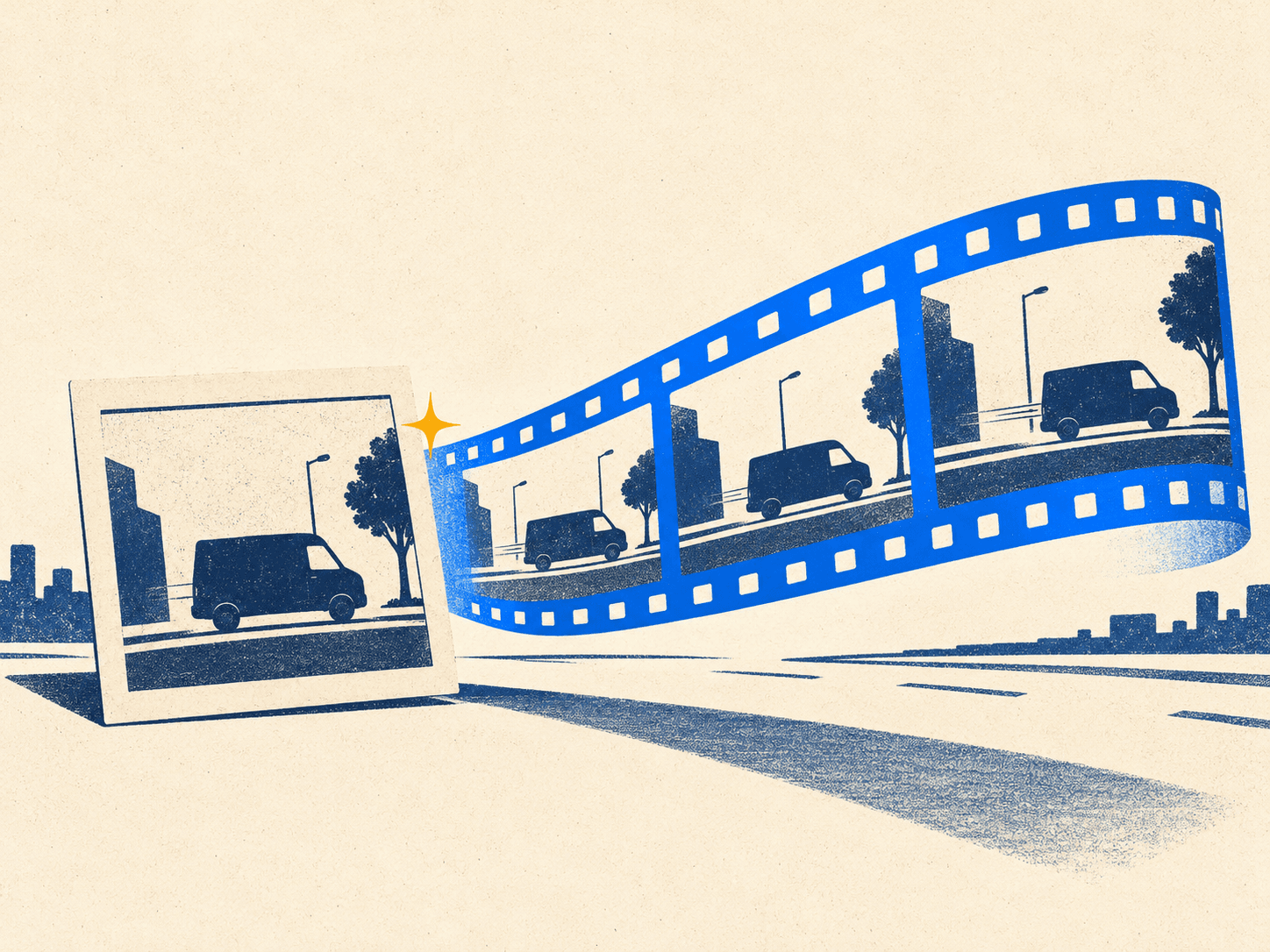
Google’s September 28, 2026 announcement describes a workflow that combines reference images, a creative brief and brand guidelines. You choose from three creative narratives, then refine the storyboard scene by scene. For a local service business with approved images already available, the practical next step is a small production and campaign test.
The argument
The thesis
Gemini Omni gives local service businesses another workflow for producing video ads from existing images. Its value should be tested by reviewing the finished creative and comparing production time and campaign performance with an existing ad under a defined test budget.
What changes inside Google Ads Asset Studio
Gemini Omni moves Asset Studio beyond text prompts alone. Google says it can understand a business URL, a marketing brief, product shots, video clips and other uploaded reference assets. It brings text, image and video production into one coordinated workflow.
For image-to-video creation, you start with creative sources, such as images from specific ads, and choose a video aspect ratio. A text prompt supplies the creative brief. Asset Studio then offers three creative narratives, followed by a storyboard you can refine one scene at a time.
Google announced the feature in September 2026 as the first installment of Creative Drops, a series of AI creative product updates and playbooks from its product teams. Asset Studio Product Manager Mindy Lin explained the workflow in the announcement dated September 28, 2026. As of October 11, 2026, Google described the multimodal capabilities as rolling out globally as a free feature inside Google Ads.
Give the tool a clear brief and useful reference images
For a local service business, existing approved images provide a starting point for testing a video ad. The brief should specify the tone, theme, products and overall branding you want the video to reflect. Generated assets still need review against that brief.
Google recommends strong reference material. Its examples include four to five real product shots from different angles, realistic backdrops that the output should resemble, and a company work uniform with its logo. It advises supplying more reference material to guide the output.
You can return to the workflow to upload different references or modify the original prompt. That makes the initial generation a draft you can revise as you check whether the scenes match your business and intended creative.
Brand guidelines and scene consistency
Asset Studio supports brand guidelines covering fonts, hex color codes, logo rules and visual style. Google says Gemini Omni evaluates those elements of a brand’s identity and uses multimodal context to keep lighting, product angles and tone cohesive across text, image and video assets.
Google recommends uploading a brand guidelines PDF that reflects the business’s current identity. It lists evergreen colors, updated logos, brands, patterns, textures and examples of the brand at its best as useful reference material. The material does not all have to be in one PDF; Asset Studio also accepts reference materials in various formats.
For an independent service business, use approved images and current brand guidelines for the pilot. Review each generated scene against the creative brief before using the video in a campaign. Google’s stated brand and consistency capabilities do not remove that review step.
Video formats and where the finished asset goes
Gemini Omni can turn an image into a video ad for multiple channel placements. Asset Studio supports vertical, horizontal and square aspect ratios. Google says its video stories are structured around YouTube’s ABCD creative framework for viewer retention.
Google recommends using both horizontal and vertical videos for variety and reach across Google and YouTube ad placements. For the pilot, review the video in each placement format you intend to use.
Once the storyboard is ready, you can download the finished video for later use or upload and save it to your YouTube channel. Google names Google and YouTube campaigns, including Demand Gen, as uses for the assets.
Aspect ratios available in Asset Studio
| Format | Aspect ratio | Placement detail |
|---|---|---|
Vertical | 9:16 | Google identifies this format with Shorts. |
Horizontal | 16:9 | Google recommends using horizontal alongside vertical video across Google and YouTube ad placements. |
Square | 1:1 | Available as an additional aspect ratio for video creation across multiple channels. |
Google Ads announcement dated September 28, 2026, read October 11, 2026. Google recommends both horizontal and vertical video; the pilot should include review of each intended placement format.
How to create the pilot video
1. Select approved creative sources. Start with existing images, including images from specific ads if appropriate, and choose the video aspect ratio. Supply relevant reference material and current brand guidelines.
2. Write the creative brief as a text prompt. Be specific about the tone, theme, products and overall branding you want to see in the video.
3. Choose one of the three creative narratives. Use the narrative you prefer as the starting point for the storyboard.
4. Refine the storyboard scene by scene. Asset Studio allows individual scene edits. Return to the original prompt or upload different references when the result needs adjustment.
5. Review the finished video against the brief and each intended placement format. Then download it for later use or upload and save it to your YouTube channel.
Compare production time and campaign performance
Pilot one video using approved business images and brand guidelines. Review every scene and the placement formats before running it. Define the test budget, then compare the new video with an existing creative.
The comparison should cover both production time and campaign performance. A free creation feature provides another production option, but the useful result for your business is whether the workflow saves time and how the resulting ad performs within the planned test.
Proposed pilot comparison
| Test element | Gemini Omni pilot | Comparison or review |
|---|---|---|
Creative | One video made from approved images and brand guidelines | An existing creative |
Scene review | Review each generated scene | Check the video against the creative brief |
Placement review | Review each intended placement format | Check the finished video in those formats before running it |
Production time | Compare time spent producing the pilot video | Compare with production time for the existing creative |
Campaign performance | Run the pilot under a defined test budget | Compare performance with the existing creative |
Proposed test for local service businesses, October 2026. This is a pilot plan, with no measured production-time or campaign-performance result.
Takeaway
Start with one video, approved images and current brand guidelines. Review every scene and placement format, then compare production time and campaign performance with an existing creative under a defined test budget.
Questions
Frequently asked
What changes with Gemini Omni in Asset Studio?
What does Gemini Omni mean for my video ads?
How closely can the video follow my brand?
Which video formats can I create?
Is Gemini Omni video creation free in Google Ads?
How should a local service business test it?
Sources
1 sources, captured 2026-10-11 · show· hide
Vendor pages change. Figures are as published on the capture date; confirm before deciding.