
Bigin vs Pipedrive for Sales-to-Service Handoffs
Bigin documents automated downstream records across team pipelines, while Pipedrive documents one-pipeline-at-a-time deals with transfer between pipelines.
Side by side
The short answer
If sales and service involve different people, the clearest documented difference is handoff structure. Bigin describes separate team pipelines for sales, onboarding and support, plus Connected Pipelines that can automatically create linked records in another team’s pipeline when a stage or condition is met. Pipedrive documents multiple pipelines and strong day-to-day deal management, but its help documentation also states that a deal can exist in only one pipeline at a time and may be moved to another pipeline. For a business owner, that makes Bigin the more directly documented option for separate sales and service records, while Pipedrive looks better documented for managing one active deal flow with activities, filters and visibility controls. The practical choice to test is whether your handoff should create a new service record or continue the same deal in a different pipeline.
This comparison uses selected vendor documentation only, not hands-on testing.
Short answer
Based on the supplied vendor documentation, Bigin is more explicit about documenting a sales-to-service handoff across different teams. It describes team-specific pipelines for operations such as sales, onboarding and support, and it separately describes Connected Pipelines that can automatically create linked records in another pipeline when a record reaches a stage or condition.
Pipedrive documents customizable pipelines, activities, automation and visibility controls, but the supplied help documentation also says a deal can exist in only one pipeline at a time. You can move a deal to another pipeline, yet that is different from Bigin’s documented approach of starting a separate downstream record for the next team.
If your business hands work from a salesperson to a service or onboarding person, the main difference to test is whether you want one record to continue in a new pipeline or a new linked record to begin the next process.
How Bigin documents handoffs
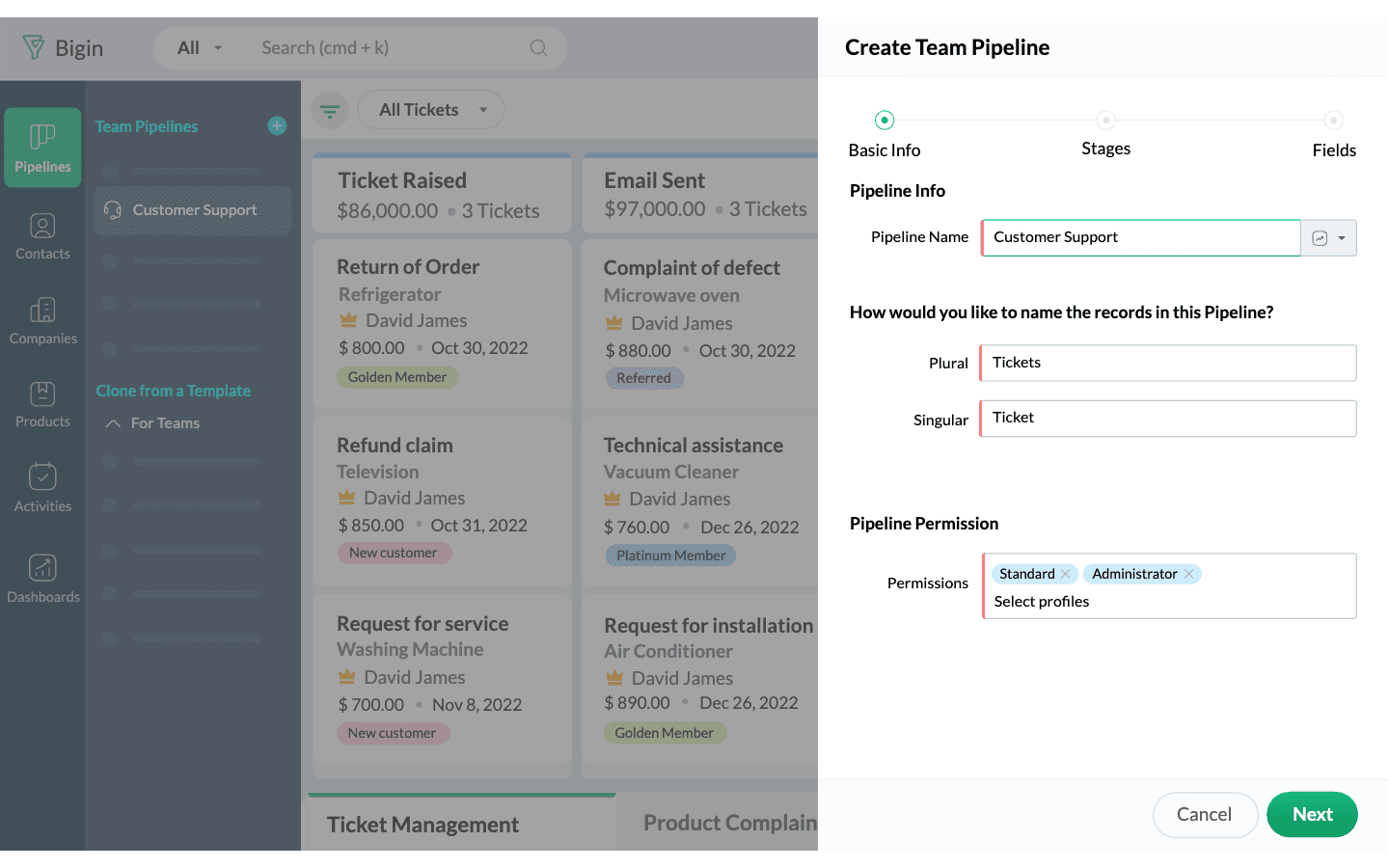
Bigin’s Team Pipelines page describes one account holding distinct pipelines for multiple customer-facing operations, including examples such as sales, onboarding and support. It also says those pipelines can use different record types and sub-pipelines, with permissions set by team or user.
Its Connected Pipelines page is the clearest handoff documentation in the sample. Bigin says completing work in one pipeline can automatically create connected records in another pipeline so the next team can continue the customer journey. The examples are framed as separate flows for later steps such as onboarding, inventory, verification or escalation rather than one record simply being dragged between boards.
For an owner, that means Bigin is documented as supporting a handoff model where sales closes or reaches a trigger stage, then service starts work in its own pipeline with its own stages and ownership.
- Separate pipelines for different customer-facing teams
- Sub-pipelines and stage customization by operation
- Permissions by pipeline
- Automation that creates connected records in another pipeline
How Pipedrive documents handoffs
Pipedrive’s feature page documents multiple custom pipelines, customizable stages, activity tracking and workflow automation. That supports using pipelines for different processes, but the sample is primarily framed around deals and sales work.
Its help documentation adds the important boundary: a deal can exist in only one pipeline at a time. The same article says a deal may be moved to another pipeline, and that deal-progress reporting in Insights reflects movements only within the current pipeline.
For a business owner, that suggests Pipedrive documents a handoff more as transferring or continuing a deal than spawning a distinct downstream service record. That may be fine if your team wants one active opportunity record, but it is a different documented model from Bigin’s connected downstream records.
- Multiple pipelines are documented
- A deal exists in only one pipeline at a time
- Deals can be moved to another pipeline
- Progress reporting is bounded by the current pipeline
Differences to test when sales and service involve different people
The most useful evaluation is not a generic feature checklist. It is a workflow test built around your actual handoff: inquiry received, sale qualified, work sold, service started, service issue updated and follow-up completed.
Because Bigin and Pipedrive document different handoff models, test the points where information, ownership and reporting can break.
- Record model: Should service begin as a new linked record for a new team, or should the same deal simply move to another pipeline?
- Ownership change: When sales hands off, can the next person clearly see who owns the new stage of work and what happened before the transfer?
- Context at handoff: Does the receiving person immediately see notes, activities and customer history without opening multiple places?
- Pipeline design: Do you need separate boards for sales, onboarding and support, or just one main deal flow with later-stage task management?
- Reporting continuity: If a record changes pipelines, does your reporting still answer the questions you care about for both sales and service?
- Permissions: Can service staff see what they need without exposing every pipeline to every user?
- Stalled work: Which setup better flags records that have gone untouched after handoff?
Which documented approach fits which workflow
Choose Bigin to test first if your business treats service as a separate operational flow after the sale. The supplied documentation is strongest there: distinct team pipelines, operation-specific records, permissions and automation that creates connected downstream records.
Choose Pipedrive to test first if your business mainly wants disciplined control of one active deal flow and clear rep follow-up inside a pipeline view. The supplied help article is especially specific about deal cards, activities, notes, emails, files, sorting, filtering and visibility controls.
Neither conclusion is a claim that one product is better overall. It is a narrow reading of what the selected vendor pages document about handoffs between different people.
| Decision point | Bigin documentation | Pipedrive documentation |
|---|---|---|
| Separate sales and service flows | Explicitly documented with team pipelines and connected records | Multiple pipelines are documented, but deals exist in one pipeline at a time |
| Automatic start of downstream work | Documented creation of connected records in another pipeline | Workflow automation is documented, but the sample does not document separate downstream connected records the same way |
| Day-to-day deal management detail | Less detailed in this sample | Strongly detailed in help documentation for cards, activities, filters and visibility |
| Reporting after pipeline change | Not clearly detailed in the selected pages | Help page says progress reports reflect movements only within the current pipeline |
Limitations & context
How do Bigin and Pipedrive document pipeline handoffs, and which differences should you test when sales and service involve different people?
- This comparison uses selected vendor documentation only, not hands-on testing.
- The supplied evidence supports Bigin and Pipedrive directly; HubSpot was in the research set but is not needed for the core Bigin-versus-Pipedrive handoff question.
- The selected Bigin capture documents connected-record creation across pipelines, but it does not establish every copied field or setup limit.
- The selected Pipedrive capture documents one-pipeline-at-a-time deal behavior and reporting boundaries, but it does not fully define how every service workflow should be modeled.
- Plan availability, automation limits, integrations and permissions should be verified in the exact edition you would buy.
4 source records
- Bigin Team Pipelines: vendor feature documentationwww.bigin.com Captured
- Bigin Connected Pipelines: vendor feature documentationwww.bigin.com Captured
- Pipedrive pipeline management: vendor feature documentationwww.pipedrive.com Captured
- Pipedrive pipeline view: vendor help documentationsupport.pipedrive.com Captured